

White label is currently in beta, and so is the Apps API it runs on. Endpoints, fields, and behavior can still change. If you have an onboarding contact, reach out to them for help with any problem. When you turn on white label, you accept the White Label Terms.
Start from the platform app
If you don’t have a platform yet, Base44 can give you one. In your workspace settings, open White label and click Set up white label in Base44. Base44 copies a ready-made platform app into your workspace, opens it in the app editor, and starts the setup in its AI chat. You need a workspace owner or admin role. The platform app is a regular app in your workspace, so you change and publish it like any other. It’s where your users sign in and build their apps. The platform app itself keeps the standard Base44 builder, so your white label settings apply to the apps your users build, not to the platform app.Use a coding agent
A coding agent can set up your integration with you, from credentials to a tested integration, checking each step as it goes. Paste this message into the AI chat of the app you’re adding app building to, such as in the Base44 app editor, or into a coding agent such as Claude Code, Cursor, or Codex, opened on your platform’s project:Try the reference integration
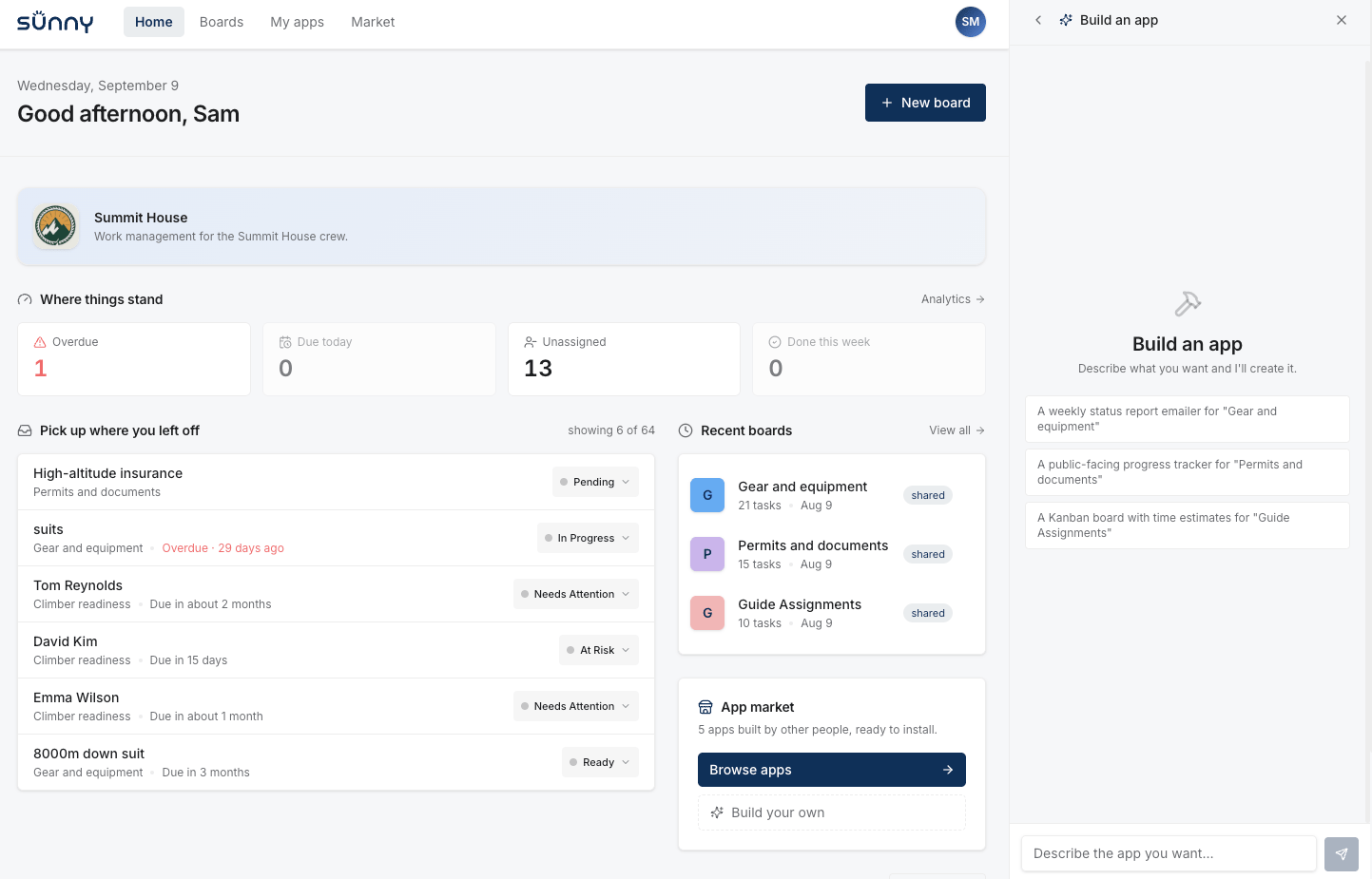
Sunny's dashboard, with the assistant panel open to build a new app
Try it
See Sunny running live at sunny44.com
Read the code
See exactly how the integration works, end to end
How it works
Your users can build any type of web app, and how it’s used is up to you. It can become a widget in a dashboard, an app published to a marketplace, an internal tool, or anything else that fits your platform. Your brand sets the name the agent goes by and the look of every app it creates. Your system prompt can change how the agent behaves. Skills teach the agent your conventions, and custom instructions give each app the platform-specific context it needs. Together, they shape every app your users build. Once white label is on, every app built or edited in your workspace follows these settings, and any change you save applies from each app’s next build turn. One workspace backs the whole integration, so everything you configure there is ready to use across every app your users create.Where to start
An integration comes together in three stages. First you get the account and credential your integration builds with. Then you configure your brand and tools in Base44. Then you build the experience into your own platform.
To show each build in your platform as it happens, without polling, add live updates.
See also
- FAQs: Quick answers about plans, credentials, branding, builds, and embedding
- Use a coding agent: Have the Base44 AI chat, Claude Code, or another coding agent set up your integration
- Setup checklist: Everything you need to do to get an integration running
- Tenancy and credentials: The account that owns your users’ apps, and the token that creates them
- The build turn: The six calls your product wraps to create, watch, and ship an app